What to do if you experience the 500 Internal Server Error in OneStream XF
What to do if you experience the 500 Internal Server Error in OneStream XF
While upgrading OneStream XF to version 6.0.0, I encountered an error: “HTTP Err0r 500.19 – Internal Server Error.” Here’s what happened and how I was able to resolve it quickly.
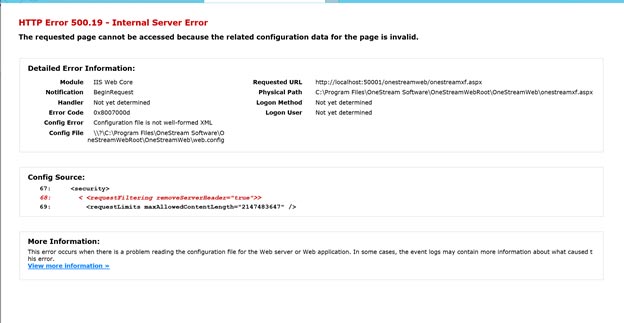
After completing all the required upgrade steps in the release notes and restarting IIS – I proceeded to open the application through Internet Explorer and received this error message:
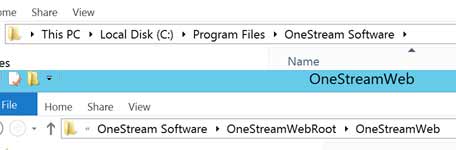
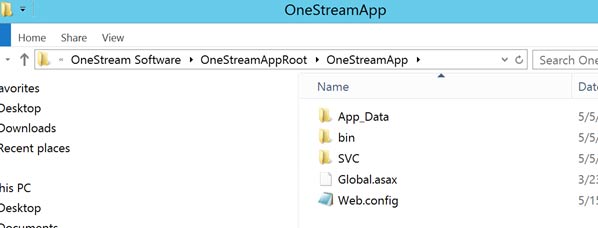
I followed the path to the web config file in the OneStreamWebRoot file path:
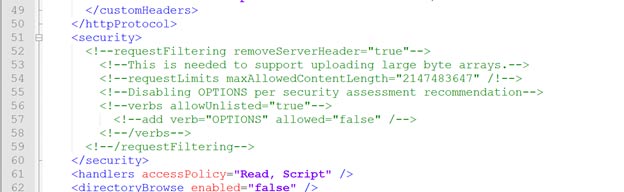
I then open the “Web.config” file in Notepad ++ and navigated to lines 67-69 as error had reported. I then commented out these lines in the code, saved it, and closed the file:
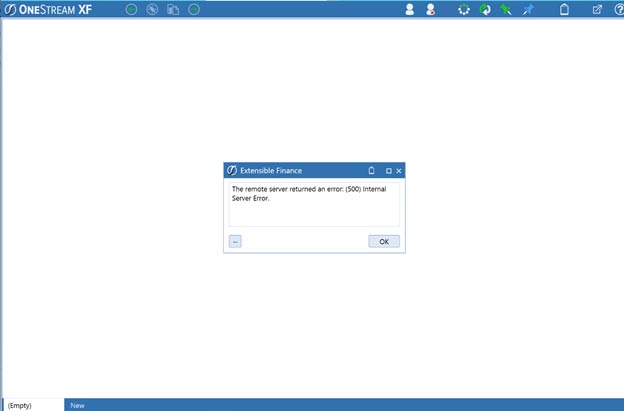
I relaunched Internet Explorer but received this error in my journey through the upgrade:
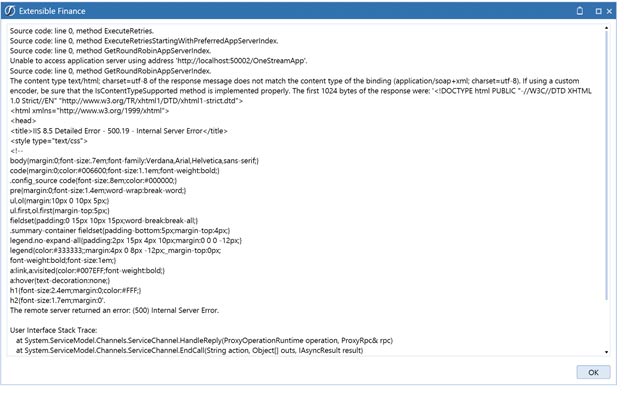
“The remote server returned an error: (500) Internal Server Error.” So, I clicked the “…” box to show me more information on this:
Right then� I had an epiphany. Maybe the bad line of code existed in the application root web.config file as well. I navigated to that file:
Again, I opened the file in notepad ++ and, low and behold, on lines 52-59 I could see the same coding.
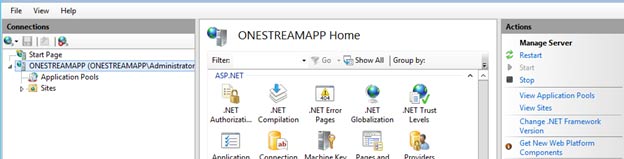
I proceeded to comment out those lines in the code, saved it, and closed the file. I then gave IIS a good ole fashioned start:
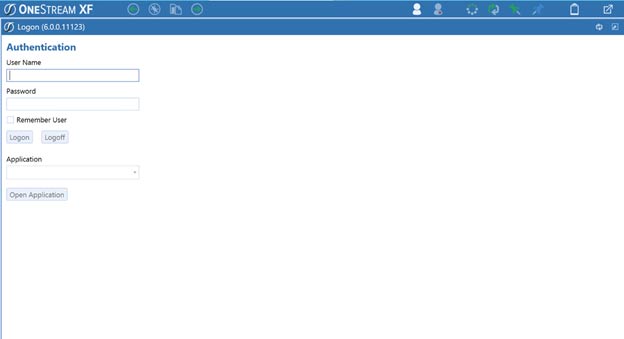
Then I proceeded to launch Internet Explorer and, sure enough, the OneStream application loaded perfectly!
Now, time to get working within my OneStream application using this exciting new 6.0.0 version!