OneStream Dashboard Buttons: Powerful Dynamic Formatting This OneStream Dashboard Buttons tutorial shows how to create clear visual states after every click. Use Case – You would like a button or other Dashboard component to change its formatting when another action, like a button click, happens. For example, you want to change the background color of […]
OneStream dashboard help button setup made easy: add an accessible Word or CSV help file with clear navigation, testing, security, and maintenance steps.
Changing the name of a File in File Explorer I recently ran into a case where I needed to change the names of some files in File Explorer. I had another Business Rule running from a Data Management job that was creating the files and exporting them to the file share then moving them to […]
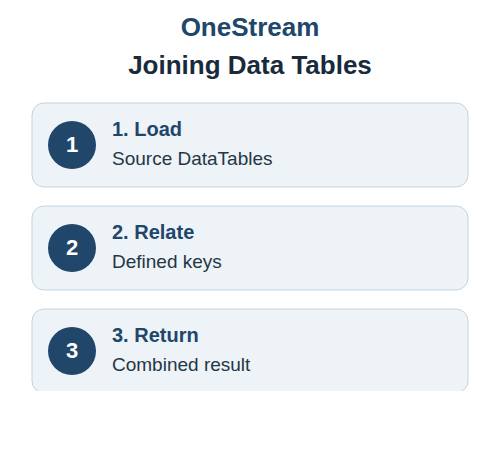
Joining Data Tables in OneStream with Defined Relationships I’ve set up a lot of Dashboards containing Grid Views populated with a Data Adapter. With the Data Adapter being populated with data from a Relational Data Table. This is an easy way to expose the contents of relational data within a Dashboard. Filters can be applied, […]
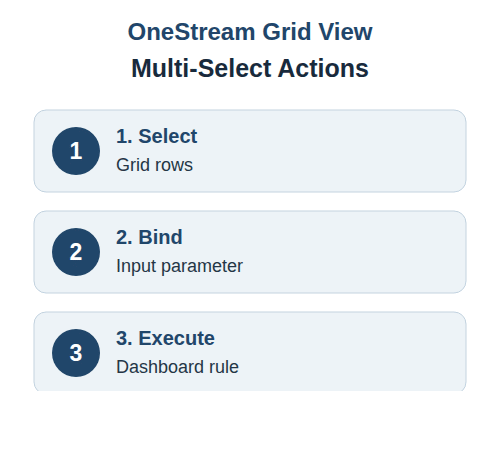
Configure Multi-Select Actions in a OneStream Grid View A OneStream Grid View can turn several selected rows into one controlled action. The pattern works by binding the chosen column to an input parameter that the button passes to a Dashboard Extender rule. Before configuring the action, confirm which column uniquely identifies each record and what […]
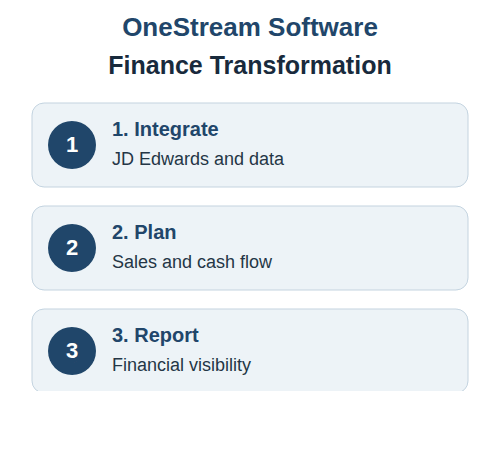
With its rich heritage as a leading manufacturer of brick and masonry products, Acme Brick has recently embarked on a noteworthy journey to elevate its financial management system by integrating OneStream Software. This strategic initiative is not just about adopting new technology; it represents a pivotal shift towards optimizing financial processes and enhancing operational efficiencies. […]
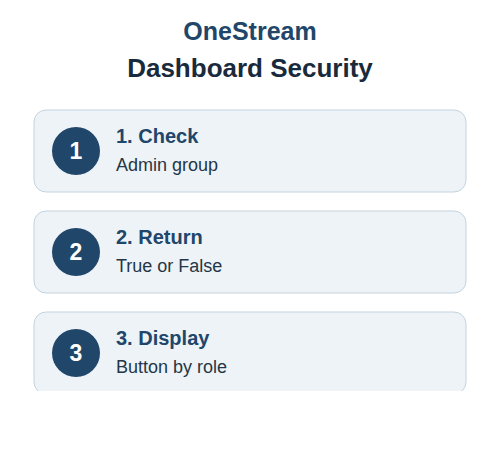
Configure Admin-Only Visibility for a OneStream Dashboard Button A OneStream Dashboard Button can protect sensitive actions without creating separate dashboards for every role. In this example, the Save control remains available to the Administrator group and hidden from everyone else. The solution combines a Dashboard XFBR business rule with BRapi.Security.Authorization.IsUserInAdminGroup. The function evaluates the signed-in […]