onestream

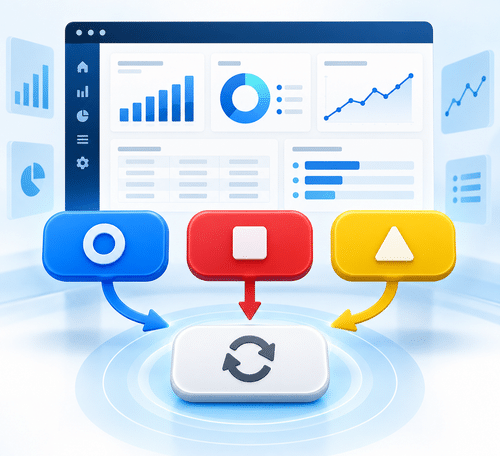
OneStream Dashboard Buttons with dynamic color states

OneStream Dashboard Buttons: Powerful Dynamic Formatting

OneStream Dashboard Buttons: Powerful Dynamic Formatting This OneStream Dashboard Buttons tutorial shows how to create clear visual states after every click. Use Case – You would like a button or other Dashboard component to change its formatting when another action, like a button click, happens. For example, you want to change the background color of […]

Read more
SQL injection in OneStream prevention with secure queries

SQL Injection in OneStream: Secure Business Rules

How to Prevent SQL Injection in OneStream SQL injection in OneStream becomes a risk when business rules concatenate user-controlled values directly into a database query. Parameterized queries keep the SQL statement separate from its values, allowing the database driver to treat input as data rather than executable code and helping applications pass security reviews. This […]
Read more
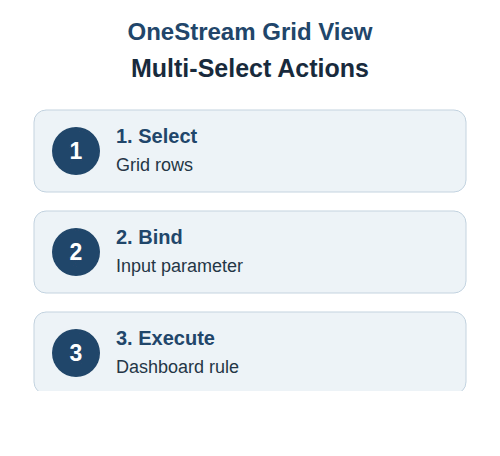
OneStream Grid View with multi-select actions

OneStream Grid View: Powerful Multi-Select Actions

Configure Multi-Select Actions in a OneStream Grid View A OneStream Grid View can turn several selected rows into one controlled action. The pattern works by binding the chosen column to an input parameter that the button passes to a Dashboard Extender rule. Before configuring the action, confirm which column uniquely identifies each record and what […]
Read more
OneStream linked Grid Views

OneStream Linked Grid Views: Powerful Query Guide

OneStream linked Grid Views gives finance teams a clearer, governed process for this common OneStream task. How OneStream linked Grid Views Works I wanted to give my users the ability to query 2 custom relational XFC tables set up in the Application Database, without having to create any SQL code and all through a dashboard. […]
Read more
OneStream primary dashboard navigation and workflow design

OneStream Primary Dashboard: Powerful Design Guide

How a OneStream Primary Dashboard Controls Navigation A OneStream primary dashboard acts as the parent container that controls how embedded dashboards, components, parameters, and actions work together. Understanding that relationship helps developers build navigation that is predictable, reusable, secure, and easier to maintain. I’ve recently spent time with a client optimizing and cleaning up a […]
Read more
OneStream Pop Up Dialog Box

OneStream Data Units: Powerful Cross-Unit Save Guide

OneStream data units requires a controlled approach that preserves data, validates the destination, and records the result before cleanup. How Saving Across OneStream Data Units Works I ran across an issue the other day that deserves writing about. I was trying to write to a member intersection, from a Custom Calculate Data Management Step, that […]
Read more
OneStream extensible documentation

OneStream Extensible Documentation: Powerful XF Docs

OneStream extensible documentation gives finance teams a clearer, governed process for this common OneStream task. In today’s fast-paced business environment, organizations are increasingly reliant on advanced tools to drive decision-making, ensure compliance, and enhance efficiency. OneStream’s Extensible Documentation (XF Docs) is an innovative solution that empowers businesses to seamlessly integrate data from the OneStream platform […]
Read more
OneStream dashboard navigation from a Cube View right-click menu

OneStream Dashboard Navigation: Powerful Right-Click Guide

How OneStream Dashboard Navigation Works from Cube Views OneStream dashboard navigation lets users open a targeted dashboard directly from a Cube View cell through a configured right-click action. This example is based on another Client driven request. The Client wanted a dashboard containing a Cube View, with the ability to right click on a cell […]
Read more

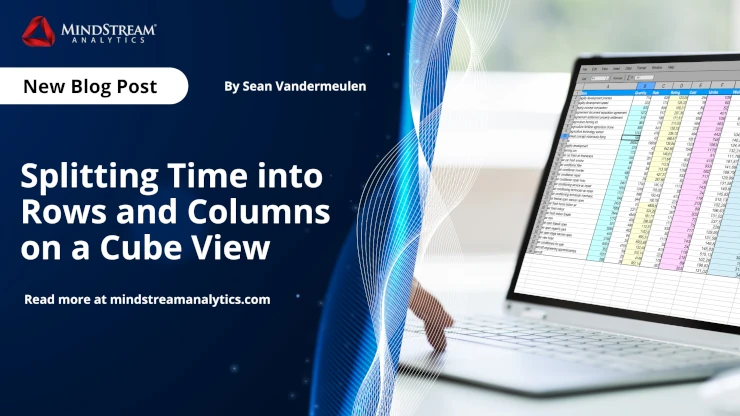
OneStream Cube View Time: Powerful Rows & Columns Guide

OneStream Cube View time provides a practical, governed approach for this OneStream reporting or workflow requirement. How to Split OneStream Cube View Time I recently had a request from a client for a Dashboard that had 12 months of activity as Columns with the rows showing the Current Years activity plus 4 prior years of […]
Read more