
A OneStream implementation can spend months moving from requirements to configuration and testing, only to reveal late in the project that users have not had enough opportunity to experience and validate how the solution works.
By then, changes to workflows, reports, or planning processes can cause rework, scope expansion, delayed go-live, and greater implementation risk, slowing finance process improvement.
A more adaptive approach brings working prototypes into the implementation earlier, allowing users to experience the proposed future state, identify what should change, and shape the next version while those changes are still manageable.
That is where finance process improvement can lose momentum. The Gartner Finance AI Adoption and Impact Survey, published in June 2026, reported that 84% of finance organizations had implemented or were planning to implement AI, yet only 7% reported high or very high impact. The findings were based on a June 2025 survey of 183 CFOs. The gap highlights an important implementation principle: adopting new technology does not by itself ensure that it delivers business value.
Rapid prototyping brings representative users into the OneStream design process earlier, allowing them to test realistic workflows, identify gaps, and provide feedback while changes are still manageable.
This gives finance process improvement efforts a stronger connection to how users actually work. This helps teams reduce rework and implementation risk while giving users greater familiarity with the future state, supporting stronger adoption and faster time-to-value.
The following seven steps show how rapid prototyping can strengthen finance process improvement, reduce implementation rework, and build user readiness before go-live.
- Define what rapid prototyping needs to prove
- Engage representative finance users early
- Build around real finance scenarios for better finance process improvement
- Use familiar interfaces to lower the learning curve
- Use rapid prototyping for short, scenario-based review cycles
- Turn user feedback into design decisions
- Use Validated Prototypes to Prepare for UAT and Training
Step 1: Define What Rapid Prototyping Needs to Prove
What it is
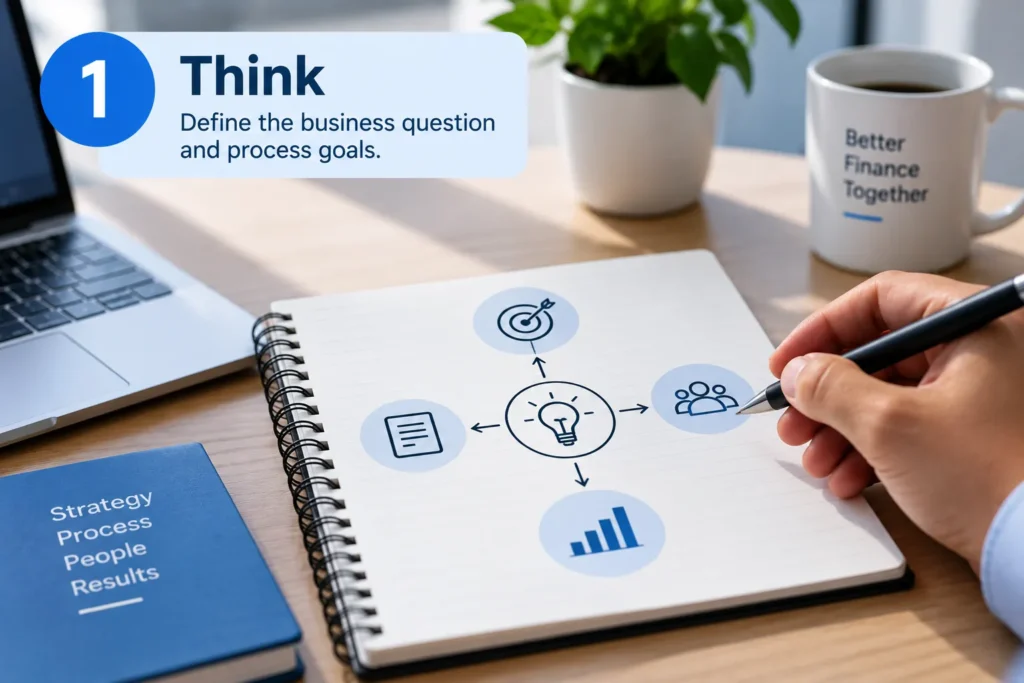
A rapid prototyping exercise should prove something specific about the future-state finance process, not simply demonstrate project progress. In an adaptive implementation, the prototype is a working version that stakeholders can experience, evaluate, and use to identify what should improve before the next version is built.
Define the business or user question first: whether a planning workflow can be completed efficiently, a reporting structure provides required visibility, a reconciliation handles an important exception, or a dashboard can be interpreted quickly. Each question should connect to a specific finance process improvement opportunity.
This is also where finance process improvement begins: with a clear understanding of what needs to change and why. A prototype is not a miniature implementation, but it should be designed with the broader OneStream CPM solution in mind.
The team needs enough context about related data, workflows, controls, and reporting dependencies to validate the selected process without expanding the prototype into the full implementation.
How it works
- Start with the decision, not the feature: Identify the finance decision or workflow the prototype needs to support rather than selecting a feature simply because it is easy to demonstrate.
- Prioritize the highest-value process: Begin with a workflow where manual effort, process friction, unclear requirements, or downstream risk could materially affect the transformation.
- Define the user’s expected outcome: Establish what users should be able to accomplish, what information they should see, and what output the workflow needs to produce.
- Set objective validation criteria: Agree in advance on what would demonstrate that the proposed experience works and which findings would require the design to be reconsidered.
- Keep the prototype focused within the broader design: Resist the temptation to replicate the entire implementation. Define which parts of the future-state design the prototype needs to validate and which dependencies must be represented for that validation to be meaningful.
The objective is to create a working version that can inform the next iteration, not to build the final solution in one pass.
Real-world example
Alterra Mountain Company’s capital planning process still depended heavily on offline spreadsheets, while the business needed a more centralized way to manage updated actuals and project budgets across thousands of projects.
MindStream Analytics demonstrated a future-state vision to leadership and refined the solution through iterative collaboration, helping align the OneStream design with business requirements and support finance process improvement.
Read Alterra Mountain Company’s Case Study Here
Why it matters
A defined objective keeps the finance process improvement effort focused rather than allowing the exercise to become a miniature version of the entire implementation. It also gives stakeholder feedback a purpose. When users know what they are being asked to validate, the team can distinguish a genuine design problem from a personal preference.
That discipline keeps finance process improvement tied to business outcomes rather than aesthetics or feature volume, giving finance leaders a clearer basis for deciding whether a proposed design addresses the process problem it was intended to solve.
Step 2: Engage Representative Finance Users Early

What it is
Adoption cannot be designed from the perspective of project leadership alone. The prototype needs input from people who understand how finance processes actually work. Depending on the workflow, participants may include Controllers, accountants, FP&A analysts, finance managers, reporting users, planning users, and business-unit representatives.
Executive sponsorship and day-to-day validation serve different purposes. Executives confirm strategic alignment; representative users explain how work is actually performed, including workarounds and exceptions formal documentation may miss.
How it works
- Put process owners at the center of validation: Identify power users who understand the current workflow, its dependencies, and the workarounds people have developed over time.
- Represent the functions affected by the change: Bring in users from accounting, FP&A, reporting, planning, controllership, and relevant business units based on the workflow being tested.
- Separate executive oversight from operational validation: Give executive sponsors visibility into strategic alignment while allowing day-to-day users to challenge how the proposed process will actually work.
- Create a manageable feedback structure: Use functional leads to consolidate input from broader user groups so the project gains representative insight without turning every review into a large stakeholder meeting.
Why it matters
The people closest to a process know where requirements miss operational reality, making their input essential to effective finance process improvement. They understand spreadsheet workarounds, approval habits, exceptions, and informal steps that may never appear in documentation.
Bringing them into the implementation early exposes that context while changes are easier to make, giving finance process improvement efforts a more accurate understanding of operational requirements.
Their input can surface operational requirements, workarounds, and exceptions that formal documentation or executive review may not capture.
Step 3: Build Around Real Finance Scenarios for Better Finance Process Improvement
What it is
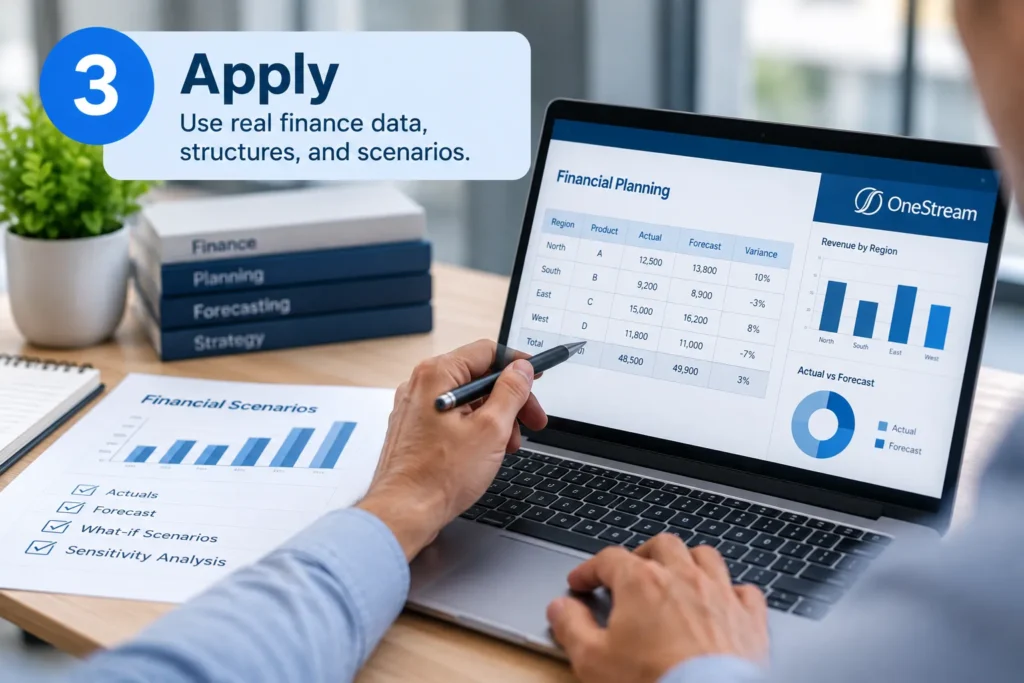
A prototype is most useful when users can recognize their work in it. A generic demonstration helps stakeholders understand platform capabilities, while a representative prototype applies those capabilities to the organization’s processes and operating context.
Build around realistic information and scenarios, including financial data, reporting structures, planning scenarios, finance cycles, exceptions, and relevant spreadsheet logic. Existing reports, templates, process documentation, mappings, and requirements can provide additional context.
This distinction matters because a generic demonstration can establish what a feature does, while a realistic prototype allows stakeholders to assess how the proposed process would work in their operating environment.
How it works
- Build from the organization’s existing finance materials: Use customer spreadsheets, reports, process documents, templates, mappings, and requirements as inputs for rapidly creating a working prototype. This gives users a realistic representation of the proposed solution that they can interact with and validate early.
- Test a complete business scenario: Model an actual finance activity rather than demonstrating an isolated feature, so users can evaluate the process from input through output.
- Preserve the organization’s financial structures: Reflect relevant dimensions, hierarchies, metadata, entities, and reporting relationships so the prototype exposes dependencies that could affect the broader OneStream design rather than simplifying the environment to the point that those dependencies disappear.
- Recreate a familiar finance cycle: Use scenarios such as forecasting, reporting, reconciliation, or consolidation to give users a realistic context for evaluating the proposed future state.
- Account for exceptions and judgment points: Include the situations where finance professionals have to investigate, adjust, approve, reconcile, or make decisions rather than testing only the standard path.
- Protect sensitive information without losing context: Mask confidential data where necessary, but retain enough structure and business meaning for users to provide meaningful validation.
Real-world example
SourceCode relied heavily on Excel for financial reporting, including management, GAAP, bank reporting, and acquisition-related processes. MindStream Analytics built a common chart of accounts and configured OneStream around these reporting requirements, while supporting currency translation, security, and automated intercompany eliminations.
Read Acme Brick’s Case Study Here
Why it matters
A prototype that reflects the organization’s actual finance environment exposes dependencies that a simplified demonstration can hide. That is particularly important when multiple entities, ERPs, business units, locations, and reporting requirements intersect.
Using existing finance materials also gives stakeholders something concrete to validate: not whether OneStream can perform a function, but whether the proposed process works within the organization’s operating reality.
How can a OneStream prototype reflect our actual finance environment?
This gives users a realistic view of the proposed solution and helps them identify gaps that generic demonstrations may overlook, supporting more targeted finance process improvement.
Step 4: Use Familiar Interfaces to Lower the Learning Curve
What it is
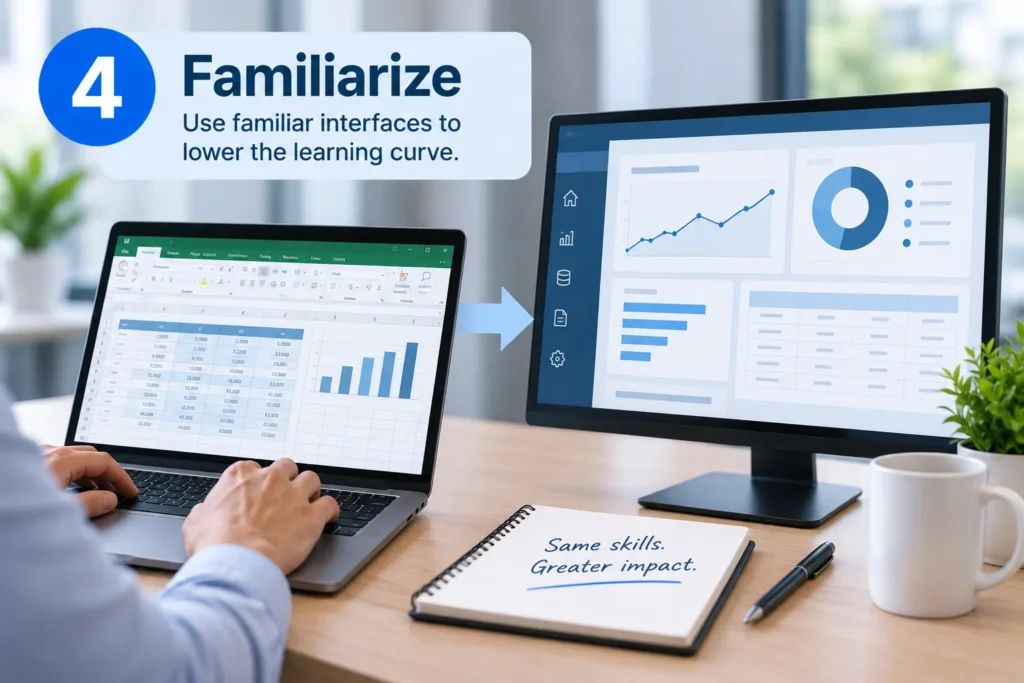
Familiarity is an adoption mechanism. For finance users accustomed to Excel, the OneStream Excel Add-In can provide a familiar starting point for interacting with governed finance data while users learn the broader OneStream environment.
The objective is not to preserve every legacy habit. Start with familiar interaction patterns where they help users validate the proposed process, then introduce the appropriate native OneStream experience.
How it works
- Identify behaviors that genuinely support productivity: Determine which existing user behaviors are valuable because they reflect established finance practices, rather than preserving legacy habits simply because they are familiar.
- Use the Excel Add-In strategically: Where spreadsheet familiarity can reduce initial friction, give users an accessible way to interact with governed OneStream data while they become comfortable with the broader platform.
- Recreate familiar finance tasks where appropriate: Let users recognize familiar reporting, analysis, or data-entry activities so they can focus on validating the underlying process rather than learning an entirely new interaction model at once.
- Connect familiarity to governed processes: Show users how familiar ways of working fit within controlled data, workflows, and approval structures rather than creating another disconnected workaround.
- Introduce native OneStream capabilities progressively: As the design matures, expose users to appropriate forms, Cube Views, dashboards, and workflows that support the future-state operating model.
- Remove unnecessary complexity from the experience: Simplify navigation, terminology, and task flows wherever possible so users are not forced to learn system complexity that does not contribute to the improvement effort.
- Use interaction to identify training needs: Treat user questions and hesitation as evidence about where guidance, documentation, or hands-on training will be needed later.
Real-world example
Acme Brick’s legacy planning process was slow and difficult for end users to navigate. Its OneStream implementation introduced a dashboard-driven planning experience, including location, scenario, and process selection, while preserving a long-standing plant unit cost analysis process.
Read Acme Brick’s Case Study Here
Why it matters
A new finance platform introduces both process change and technology change. Asking users to absorb both simultaneously can create resistance. Familiar interfaces reduce cognitive burden while giving users an accessible way to validate the underlying process.
The objective is not familiarity for its own sake. It is to use familiar interaction patterns where they reduce friction and support finance process improvement, then move users toward a governed, scalable environment without carrying inefficient legacy processes forward.
Step 5: Use Rapid Prototyping for Short, Scenario-Based Review Cycles
What it is
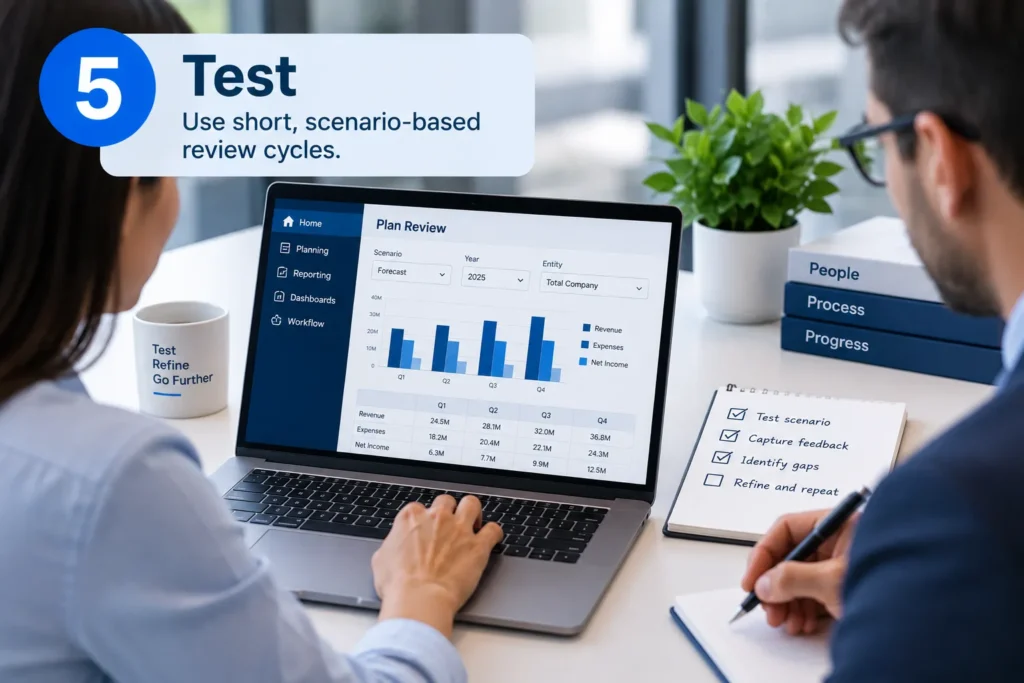
Replace passive demonstrations with a task. Compare: “Here is what we built. What do you think?” with: “You are responsible for this forecast. Show us how you would complete the adjustment.”
The second approach produces observable evidence about usability and readiness rather than relying solely on stakeholder reactions.
Rapid prototyping becomes especially valuable to finance process improvement when review cycles are short enough to support learning without becoming project ceremonies. Users should interact with the proposed workflow, not simply react to screenshots.
How it works
- Make each review answer a specific question: Structure sessions around one workflow or scenario so stakeholders can provide useful evidence rather than broad, subjective reactions.
- Put users in the driver’s seat: Ask participants to complete the task themselves instead of watching the implementation team demonstrate how the process works.
- Watch for behavior, not just comments: Pay attention to hesitation, errors, repeated questions, unexpected navigation paths, and workarounds because these often reveal usability problems users do not explicitly identify.
- Classify findings as they emerge: Distinguish workflow, usability, data, reporting, and process issues so the team can determine whether the solution, requirement, or user guidance needs to change.
- Close the loop quickly: Apply validated findings to the next version of the application and return it to users while the context is still fresh. This creates a repeatable cycle of experience, improvement, and rebuilding rather than a series of disconnected reviews.
Why it matters
Users often cannot articulate usability problems from screenshots or requirements. They discover them while completing tasks. Scenario-based reviews expose those moments before the issue reaches formal testing or becomes expensive to change.
The resulting evidence is more useful than a general approval or list of preferences: it shows where users hesitate, where a workflow breaks down, and where the finance process improvement effort needs refinement.
Step 6: Turn User Feedback Into Design Decisions
What it is
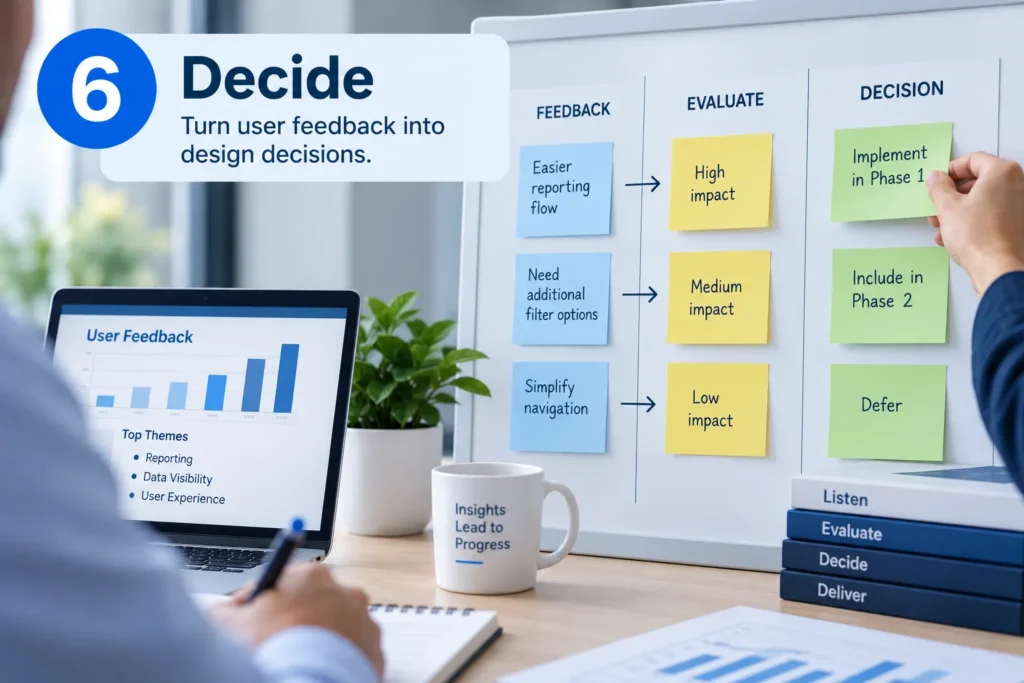
Collecting feedback is not the same as managing feedback. An enterprise implementation becomes difficult to govern when every user preference is treated as a requirement.
The prototype should create a structured decision-making process connecting feedback to business needs, governance, the future-state design, transformation goals, and finance process improvement priorities.
Client stakeholders identify what needs to change, while MindStream applies finance transformation expertise, OneStream capabilities, governance, controls, and agreed business decisions to determine how those changes should shape the next version.
How it works
- Capture feedback while the evidence is fresh: Document each finding immediately and connect it to the specific workflow, user need, or business objective that prompted the feedback.
- Separate requirements from preferences: Distinguish a genuine functional requirement from a usability concern or an individual user’s preference before allowing it to influence the design.
- Prioritize barriers to critical finance work: Give precedence to issues that prevent users from completing important processes accurately, efficiently, or within required controls, creating barriers to finance process improvement.
- Protect the future-state design: Evaluate requested changes against governance, scalability, controls, and the intended operating model. A prototype finding may require a change to the process, requirement, data structure, or configuration. Once the change is validated, incorporate it into the next version rather than treating feedback as an isolated list of requested modifications.
- Control nonessential enhancements: Capture valuable but noncritical requests in a managed enhancement backlog so they are not allowed to derail the implementation’s core objectives.
- Formalize consequential design decisions: Confirm significant changes with the appropriate business and project stakeholders before configuration is finalized, creating accountability for the decisions that shape the final solution.
Real-world example
Urban Grid needed to support complex ownership structures, detailed cash flows, changing dimensions, and SOX reporting requirements. Its OneStream implementation combined custom consolidation logic, dashboards, automated cash flow reporting, and extensive testing and documentation to align the solution with business and control requirements.
Read Urban Grid’s Case Study Here
Why it matters
The value of early feedback from rapid prototyping comes from making better decisions, not accommodating every request or weakening transformation goals. Without discipline, the process can produce endless customization, competing preferences, and scope expansion.
A structured approach gives finance leaders a clearer basis for protecting the future-state design while addressing genuine barriers to the future-state process.
How should my team handle conflicting feedback during a OneStream implementation?
Evaluate conflicting feedback against business requirements, critical finance processes, governance, controls, scalability, and the future-state operating model. Separate essential requirements from individual preferences, while managing noncritical enhancements through a controlled backlog so user input does not create unnecessary customization or scope expansion.
Step 7: Use the Validated Prototype to Prepare for UAT and Training
What it is
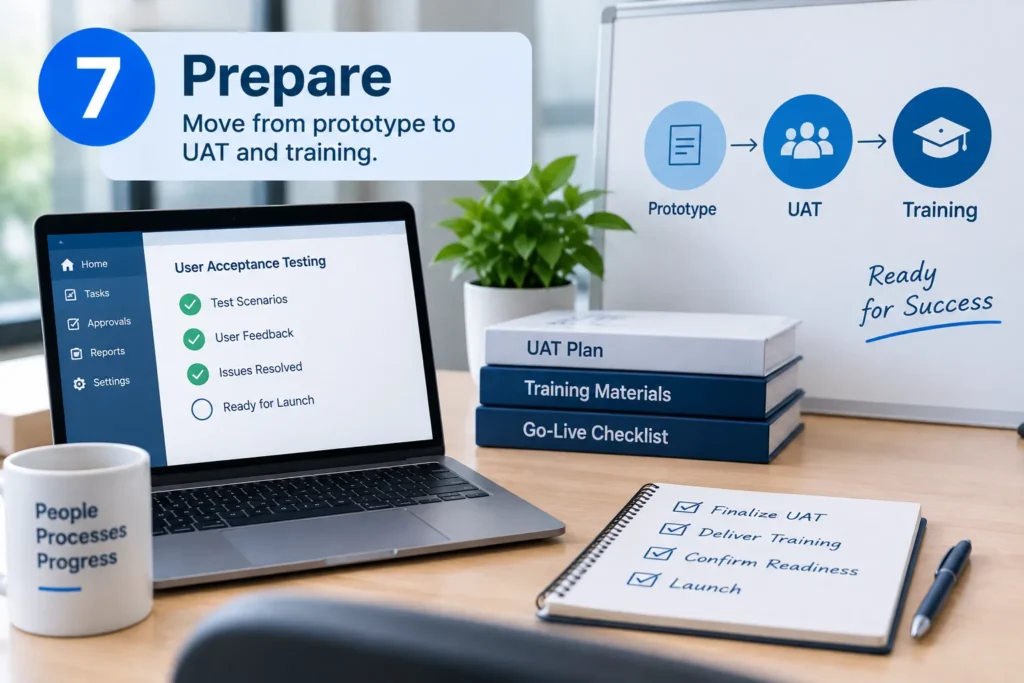
Rapid prototyping should not end when stakeholders approve a single version of the design. Its validated output should become a bridge into formal testing and user preparation, while the iterative implementation cycle continues until the solution meets the agreed business, process, data, control, usability, and operating requirements.
By this stage, users should have already encountered the key workflows, navigation, reports, forms, terminology, outputs, and common scenarios they will be expected to use.
How it works
- Turn proven scenarios into UAT cases: Carry validated prototype scenarios forward into formal testing so UAT reflects workflows users have already examined in a realistic context. The prototype informs UAT; it does not replace formal acceptance testing.
- Build training around familiar workflows: Use the processes and interfaces users encountered during prototyping as the foundation for hands-on training rather than introducing an entirely unfamiliar environment.
- Target the remaining knowledge gaps: Use questions and difficulties observed during prototyping to determine where additional training, documentation, or role-specific guidance is required.
- Use final testing as another validation point: Treat UAT and training feedback as an opportunity for targeted usability refinements before go-live, while avoiding late-stage changes that undermine the validated design.
Why it matters
The value of prototyping extends beyond finance process improvement and design validation. When proven scenarios, observed usability issues, and user questions carry into UAT and training, those activities begin with context rather than from scratch.
That creates a clearer progression from prototype validation → formal acceptance testing → role-specific training → go-live readiness, while keeping each activity responsible for its own purpose and supporting ongoing finance process improvement.
How does rapid prototyping prepare users for OneStream UAT and training?
Validated rapid prototyping scenarios can become inputs for UAT and hands-on training, giving users familiarity with key workflows before formal testing. Prototype findings can also reveal remaining knowledge gaps, helping teams target documentation, guidance, and role-specific training before users encounter the finished solution.
Common Rapid Prototyping Mistakes That Undermine Finance Process Improvement
The approach supports finance process improvement when it is treated as part of the transformation process, not simply a series of demonstrations. The following practices help teams avoid common mistakes that can limit adoption, create unnecessary scope, or weaken the value of early user feedback.| Do | Don't |
|---|---|
| Define the business process or decision each prototype must validate. | Prototype features simply to demonstrate progress. |
| Involve representative finance users before requirements are fully locked. | Wait until UAT for meaningful user validation. |
| Use representative data, structures, and finance scenarios. | Rely solely on generic demonstrations. |
| Have users perform realistic tasks and workflows. | Ask users to evaluate the solution from screenshots. |
| Evaluate feedback against business requirements and future-state goals, then incorporate validated changes into the next application version. | Treat every user preference as a mandatory requirement. |
| Carry validated scenarios into UAT and training. | Treat prototyping as a separate project activity rather than part of the implementation cycle. |
| Preserve familiar interactions where they genuinely reduce friction. | Reproduce inefficient legacy processes simply because they are familiar. |
| Protect governance, controls, and scope as each application version evolves. | Allow feedback cycles to drive uncontrolled customization. |
Building User Readiness Into a OneStream Implementation
Early prototyping makes user validation an integral part of an adaptive OneStream implementation rather than a checkpoint deferred until UAT. By allowing users to experience working versions early, organizations can identify gaps, validate decisions, improve the design, and carry proven scenarios into formal testing and training.
Each iteration creates a stronger foundation for the next version, helping organizations sustain finance process improvement until the solution is ready for formal validation and go-live.
- Ensure every prototype answers a specific business or user question.
- Surface operational realities before key design decisions become difficult to change.
- Give users a meaningful basis for validating the solution against the work they actually perform.
- Reduce unnecessary friction while users transition to new processes and technology.
- Identify usability and workflow issues that demonstrations may not reveal.
- Evaluate input against business requirements, governance, and the future-state design.
- Build on users’ existing familiarity before the solution reaches go-live.

Building Finance Process Improvement Into OneStream Adoption
A successful OneStream implementation depends on more than what goes live. It depends on how confidently finance teams can use the new environment. Rapid prototyping brings user validation earlier, helping teams identify gaps and refine workflows before changes become costly, supporting more effective finance process improvement.
MindStream applies AI-powered rapid prototyping within an adaptive implementation model. AI agents help turn existing finance materials into working prototypes, requirements, mappings, and test artifacts.
Finance stakeholders experience each version, identify what should improve, and validate the changes, while MindStream applies finance transformation and OneStream expertise to shape and rebuild the next version. This creates a repeatable cycle of prototype, experience, improve, rebuild, and repeat while keeping architecture, controls, business decisions, and final accountability human-led.
With OneStream expertise, industry-specific accelerators, governance and auditability capabilities, and AppCare, MindStream supports organizations from implementation through ongoing optimization.
The result is a clearer path from design to adoption, with less rework, stronger user readiness, faster implementation, and faster time-to-value.
Build a faster, lower-risk OneStream implementation with MindStream Analytics.
FAQs
1. Will rapid prototyping add time to my OneStream implementation?
Not necessarily. Its purpose is to move validation earlier, when changes are easier to make. By identifying gaps in workflows and requirements before final configuration, rapid prototyping can reduce rework and support faster implementation.2. How can user feedback support finance process improvement during a OneStream implementation?
Use feedback from representative finance users to identify workflow gaps, usability issues, and operational requirements that may not appear in formal documentation. Evaluate that input against business requirements, governance, controls, scalability, and the future-state design, then incorporate validated changes into the next prototype. This makes finance process improvement part of the implementation cycle rather than a separate effort after go-live.3. How does AI support rapid prototyping during a OneStream implementation?
AI agents can analyze existing client inputs and help create requirements, working prototypes, mappings, test cases, and other implementation artifacts. They also accelerate the rebuilding of successive application versions as validated changes are incorporated. MindStream reviews and refines the outputs, while client stakeholders validate business rules, controls, and the future-state design. This makes rapid iteration practical while keeping architecture, governance, and final decisions human-led.Build OneStream Adoption With Less Rework and Greater User Confidence
The strongest finance process improvement efforts bring user validation into the implementation early. These seven practices help teams experience the future state earlier, identify what should improve, make informed design decisions, and progressively prepare the solution and its users for go-live.
- Define what needs to be validated: Give every prototype a specific business or user question to answer.
- Engage representative finance users: Involve process owners early enough to identify operational realities.
- Use realistic finance scenarios: Ground prototypes in real data, workflows, structures, and exceptions to support finance process improvement.
- Use familiarity as a bridge: Reduce friction without carrying inefficient legacy processes forward.
- Test through real tasks: Have users perform workflows to uncover issues demonstrations may miss.
- Turn feedback into design decisions: Evaluate input against requirements, governance, controls, and the future-state design.
- Carry validation into UAT and training: Build on familiarity established through rapid prototyping to prepare users for go-live.
MindStream Analytics combines finance and OneStream expertise with AI-powered rapid prototyping, industry-specific accelerators, and AppCare to help reduce rework and accelerate time-to-value.